


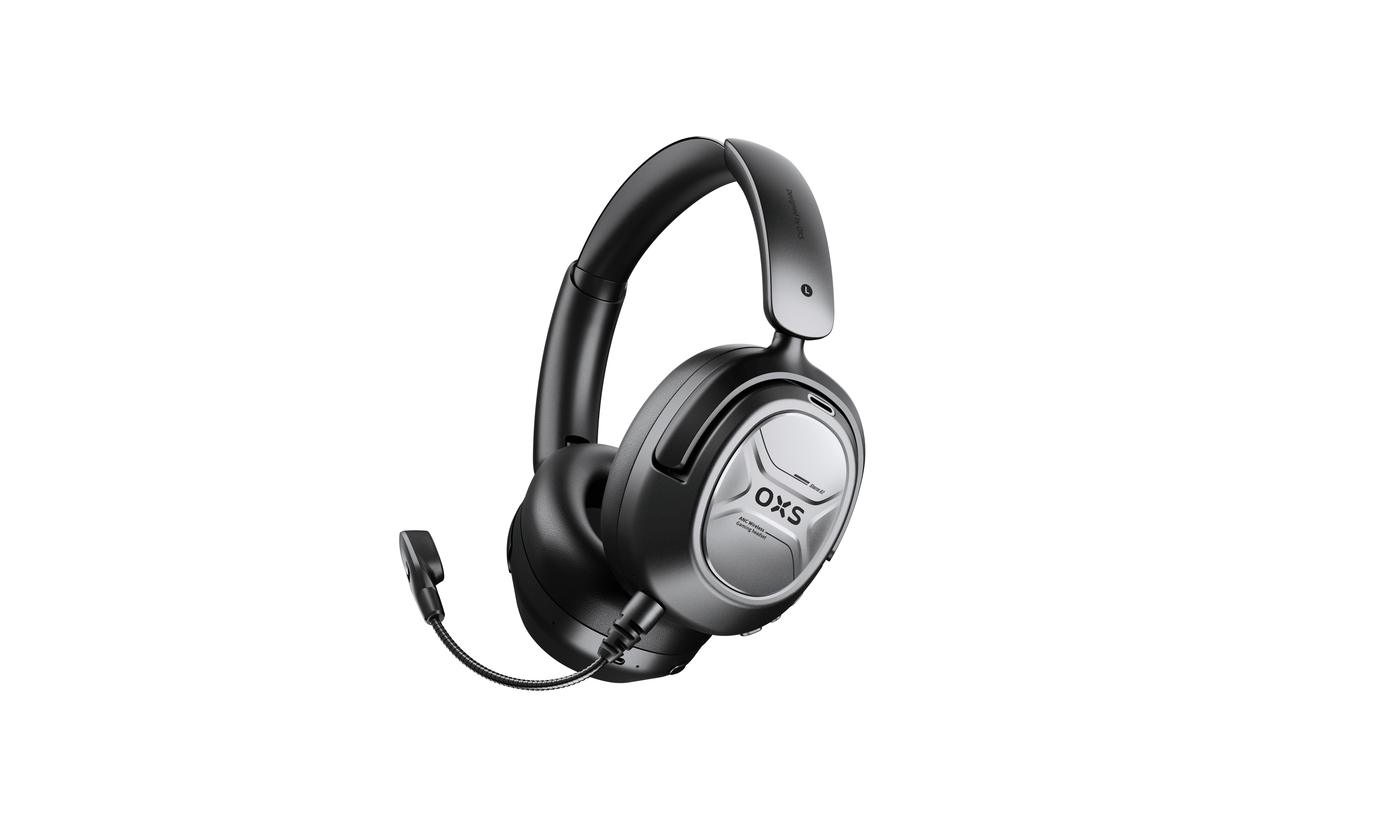

Based on the game production testing of GTA VI, the OXS Team has tested and derived the most suitable sound settings guide to pair with the OXS TP Series (OXS Thunder Pro Series) and OXS TD Series (OXS Thunder Duo Series) for playing GTA VI to achieve a more immersive experience.
1. PS5 Connection & Settings
Connection method
A) PS5 - TV - Sound system:
PS5 HDMI -> TV HDMI IN; TV HDMI eARC -> OXS TP/TD HDMI eARC
OXS TP input source: TV
OXS TD input source: eARC
B) PS5 - Sound system - Monitor:
PS5 HDMI -> OXS TP/TD HDMI IN; OXS TP/TD HDMI eARC -> Monitor HDMI
OXS TP input source: HDMI
OXS TD input source: HDMI
Sound Settings
PlayStation Settings -> Sound -> Audio Output
HDMI Device Type: select Sound Bar
Audio Format: select Dolby Atmos
Although GTA VI does not natively support Dolby Atmos spatial audio, this setting helps make the sound as immersive as possible.


2. In-Game Sound Settings for GTA VI
Open the Audio Setup in GTA VI.
Mono Audio: Turn Off to enable stereo and spatial positioning effects, delivering enhanced audio immersion and a tactical gameplay advantage.
Controller Speaker: Turn On so phone call audio comes through the controller speaker when Jason makes a call, making the overall experience feel more realistic.
Vehicle Radio: Set to 2 so the radio defaults to on whenever entering any vehicle.
Volume settings: Maxing out all volume sliders produces the best results after testing.


3. OXS TD Series Audio Settings
If you are using the OXS TD Max / OXS TD X / OXS TD, the following configuration provides the best sound effect.
EQ:
Primary choice - Gaming: Allows you to hear realistic in-game environmental audio matching the scenes in GTA VI.
Secondary choice - Studio: Delivers finer audio details without the heavy rumble of Gaming mode.
Lighting:
Select the Turbo light effect to enhance sound effects, tension, and excitement across scenes.
Volume (Increase the volume levels of the following channel for an enhanced listening experience):
Rear Volume: +3
4. OXS TP Series Audio Settings
If you are using the OXS TP Max / OXS TP+ / OXS TP, the following configuration provides the best sound quality.
EQ:
Primary choice - Standard: The optimal audio setting for OXS TP products, letting you hear ambient directional sound from all around you.
Secondary choice - RAC: Ideal for drive-by shooting and mission scenarios featuring Jason in GTA VI.
Lighting:
Blue and purple lighting colors fit the game best.
Volume (Increase the volume levels of the following two channels for an enhanced listening experience):
Side Volume: +3
Rear Volume: +3
Final Thoughts
GTA VI is designed to be experienced, not just played. With the right PS5 output settings, in-game audio options, and OXS sound system tuning, you can turn your setup into a much more immersive Vice City experience.
Set everything up , test your levels, and get ready to hear every detail—from the music on the radio to the chaos unfolding behind you.
Want to build your ultimate GTA VI audio setup? Explore the OXS TP Max (OXS Thunder Pro Max) and OXS TD Max (OXS Thunder Duo Max).
About OXS
OXS - Play For Real!
Founded in 2021 with Jamo's 56-year legacy in home theater and immersive acoustics, OXS has spent the past decade pioneering revolutionary audio technology for gamers. We empower every player to hear victory and command the game.
As a professional gaming audio brand guided by the vision of "reshaping experience with sound," we engineer innovative products that create infinitely rich, multidimensional spatial soundscapes. Our mission: build distributed immersive sound spaces with layered depth, millimeter-precise orientation, and crystal-clear fidelity – transforming virtual worlds into tangible realities.


发表评论
此站点受 hCaptcha 保护,并且 hCaptcha 隐私政策和服务条款适用。